> For the complete documentation index, see [llms.txt](https://kycdocv2.faceki.com/llms.txt). Markdown versions of documentation pages are available by appending `.md` to page URLs; this page is available as [Markdown](https://kycdocv2.faceki.com/quick-guides/image-guidelines.md).
# Image Guidelines
Poor image quality may result in errors. Therefore, to reduce errors because of poor-quality images, note the following:
* Motion blur effect can significantly increase BPCER (“Bona Fide Presentation Classification Error Rate” or the rate of errors classifying a live person as a spoof).
* Fish-eye lenses are not supported by this API.

* The SDK does not accept any fade, blur, not clear face image, two persons in a photo, stretch dimensions or filtered pictures and marks it as a spoof.
* The same image might result in a spoof based on SDK library confidence level, the same spoof picture may be a genuine picture in another capture due to SDK confidence level, an example may the background blur or fade the background confidence level failure, and another genuine picture the face may have an acceptable level, the face will pass liveliness, etc.
* Texture filtering can significantly increase APCER. (“Attack Presentation Classification Error Rate” or the errors of allowing impostors through), therefore remove texture filtering
* Spotlights on the faces and nearest surroundings can significantly increase BPCER.
* Ill-lighted environment and colored light can significantly increase BPCER.
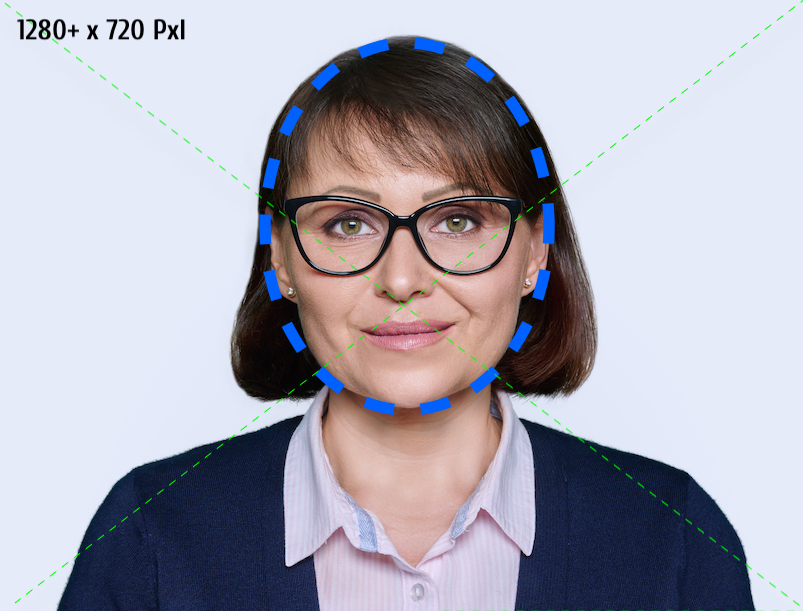
* Distance from the face should allow capturing the image that complies with Face Requirements. Please make sure that inter-pupillary distance, face size and recommended proportion of face on the image are preserved.
* SDK does not recognize small-dimension images as a small face with small height and weight dimension resolutions.
* The face should have proper lighting and should fit in the oval with a proper ratio and dimensions.
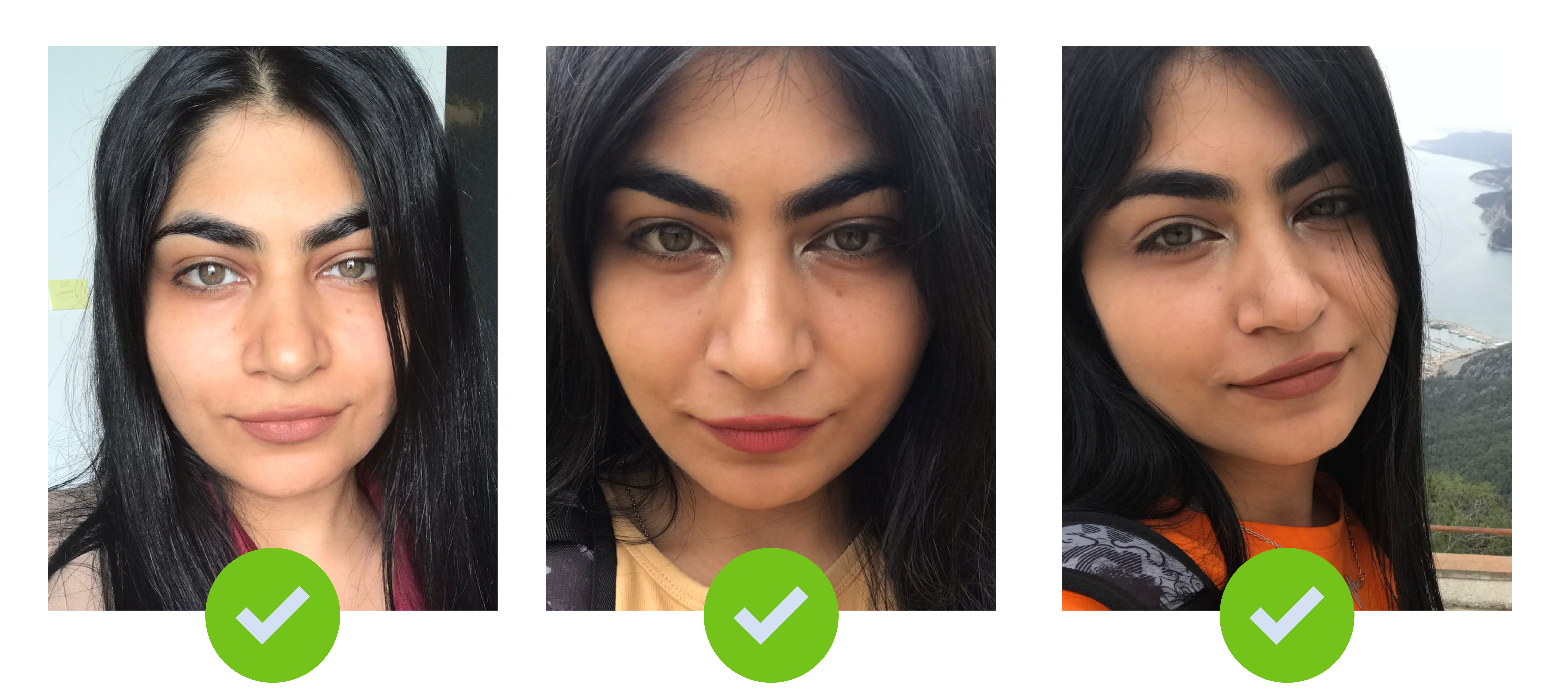
### Correct Sample
###
### Invalid Sample
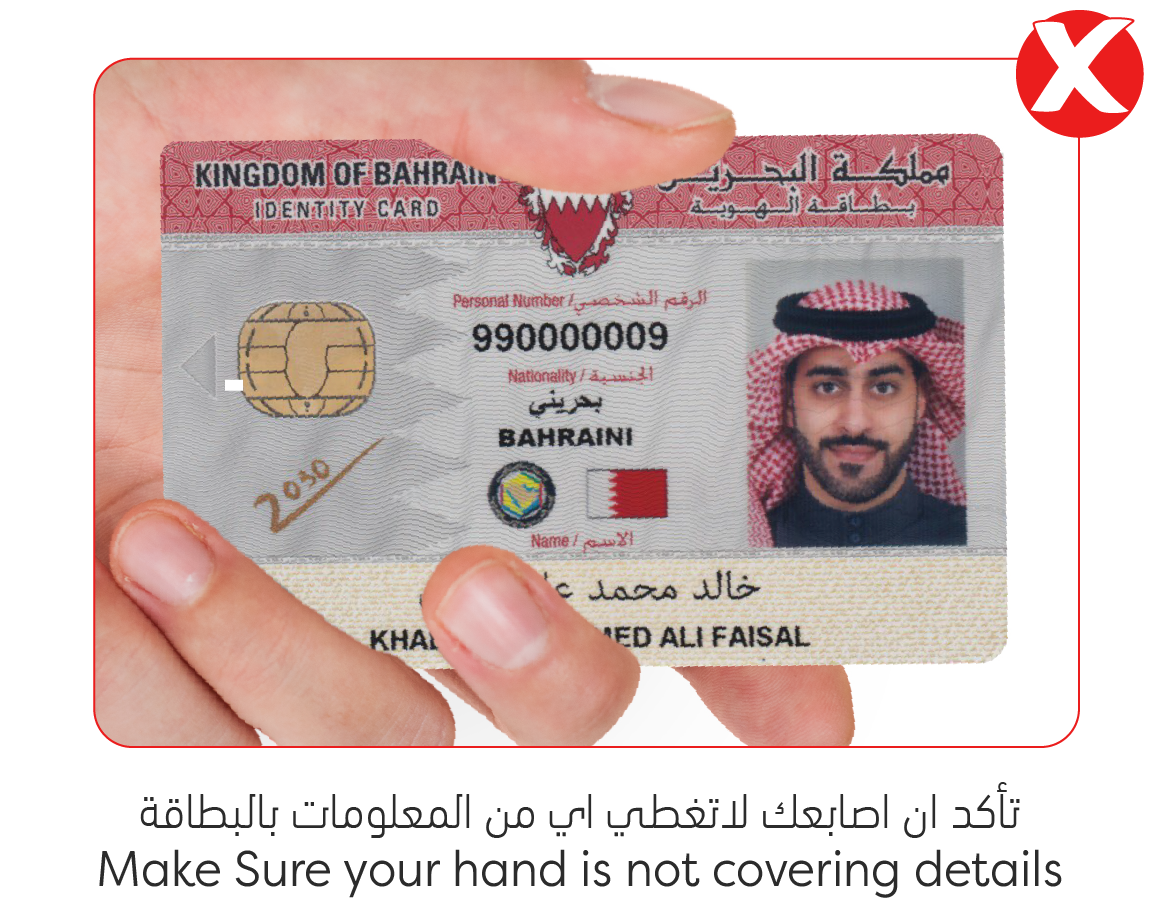
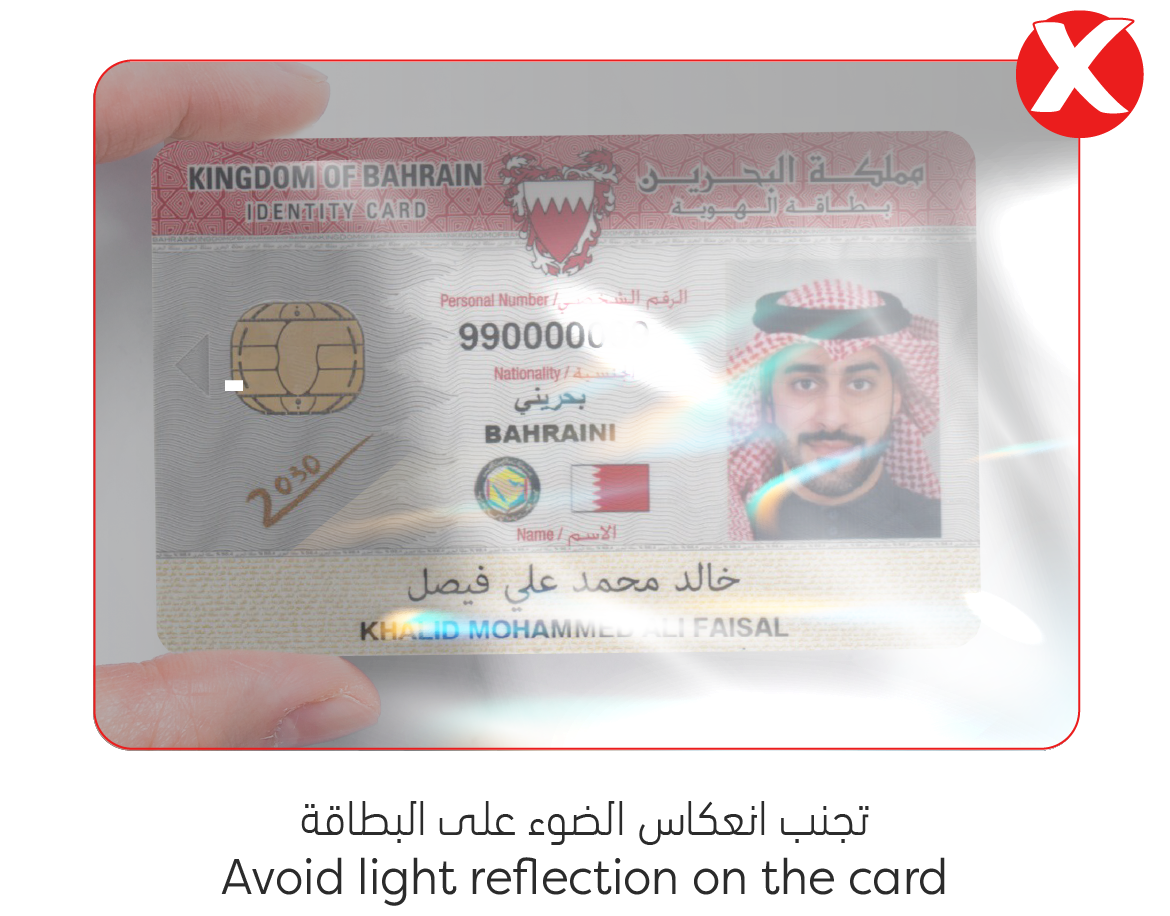
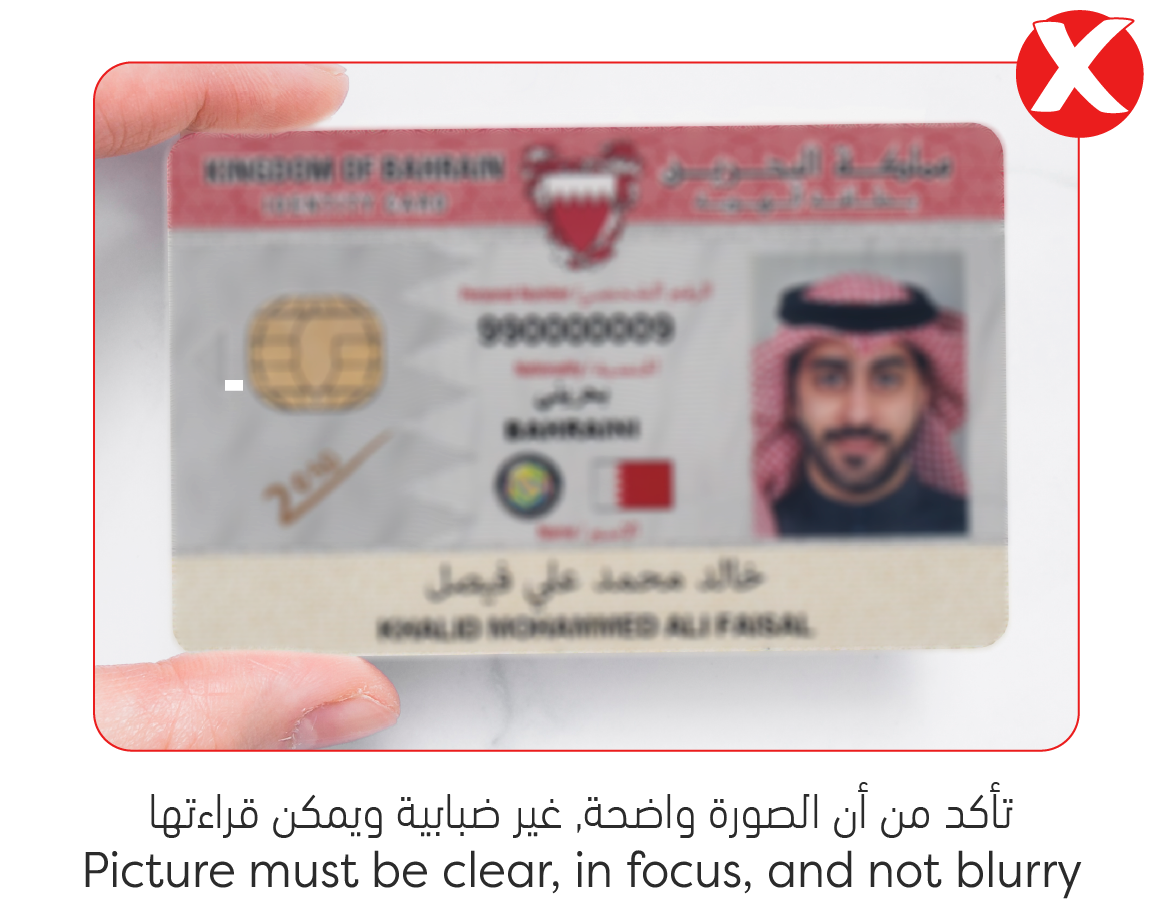
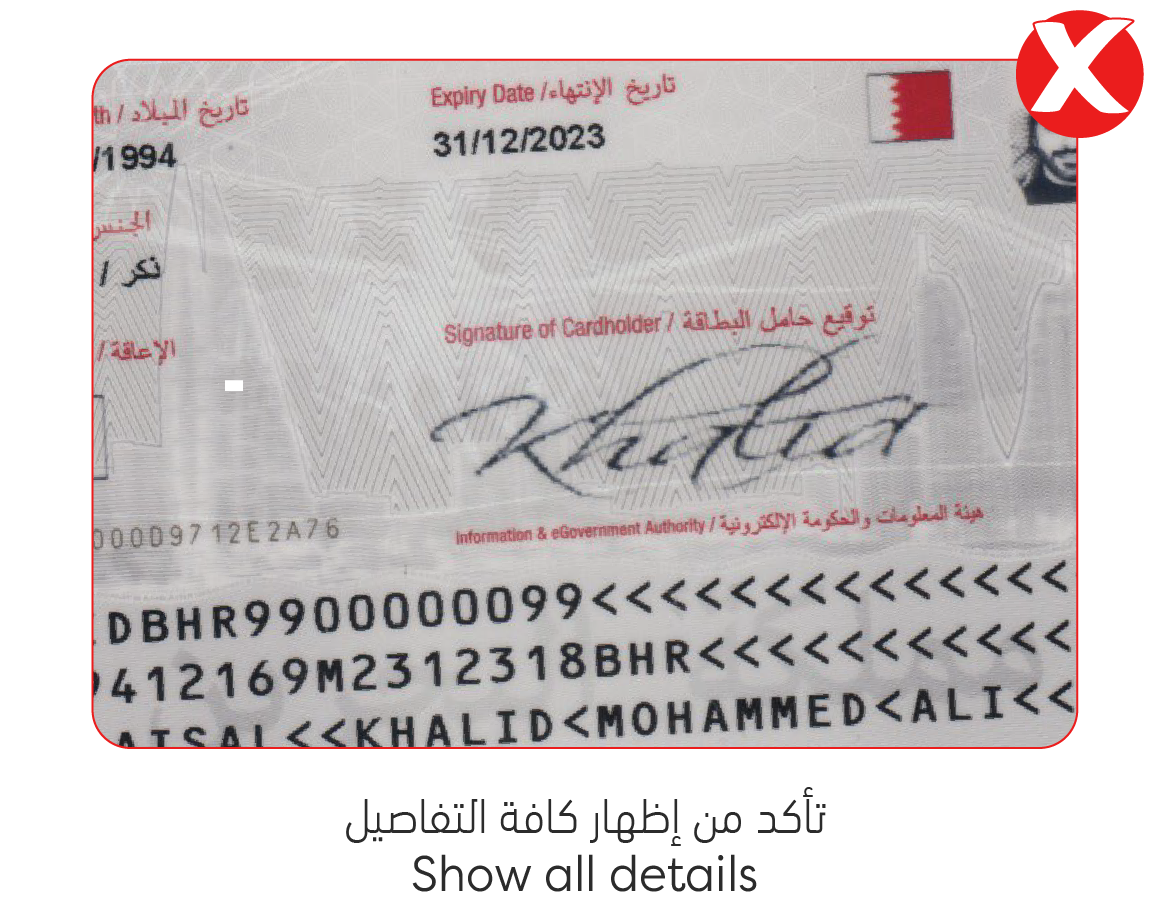
### Card Images Guidelines:
Please find the images below which will be marked invalid by the system
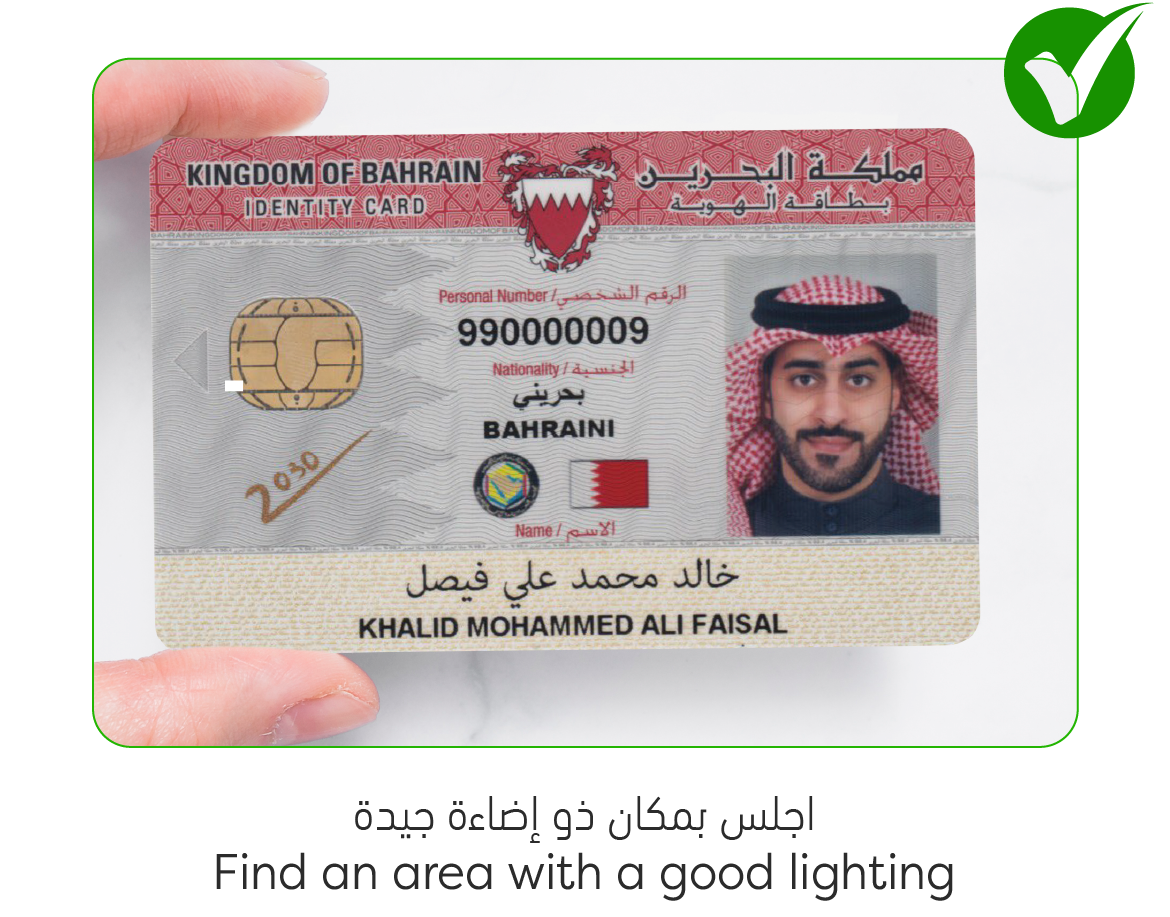
### Correct Sample: